

The credential: a user API key
Everything here authenticates with a user API key. Create one in Settings → API keys → Add (see API keys for MCP). It acts as you: it reaches every endpoint your user can, with your role. A key created in Settings expires after 90 days.API integrations (Account → Connections, with a client ID and secret) are a different thing. They are the machine identity for task sync and are not used to drive your account from an agent.
Your account id
A profile is tied to one account. You do not need to look the id up:profile add asks the API which account the key belongs to (GET /accounts/info, which returns the account’s id, name and display name) and saves it. --account <account id> is optional.
You can also copy it from the app: open Account, and the Account ID row (under Sign-in address) has a copy button.
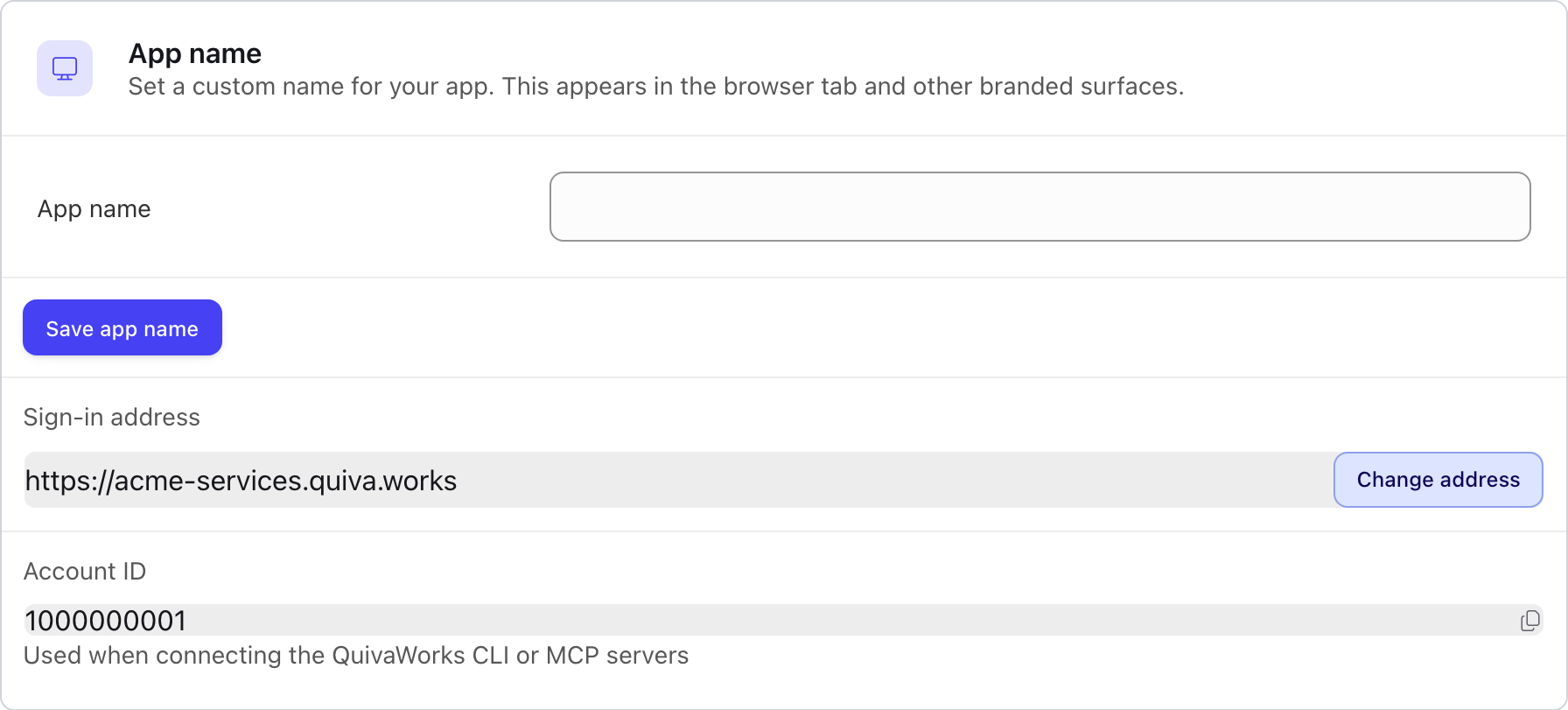
The Sign-in address and Account ID rows on Account, Branding. The address has a Set address or Change button; the Account ID has a copy button. Values shown are examples.
The
/u/<code>/ segment in a QuivaWorks address is a session code, not the account id.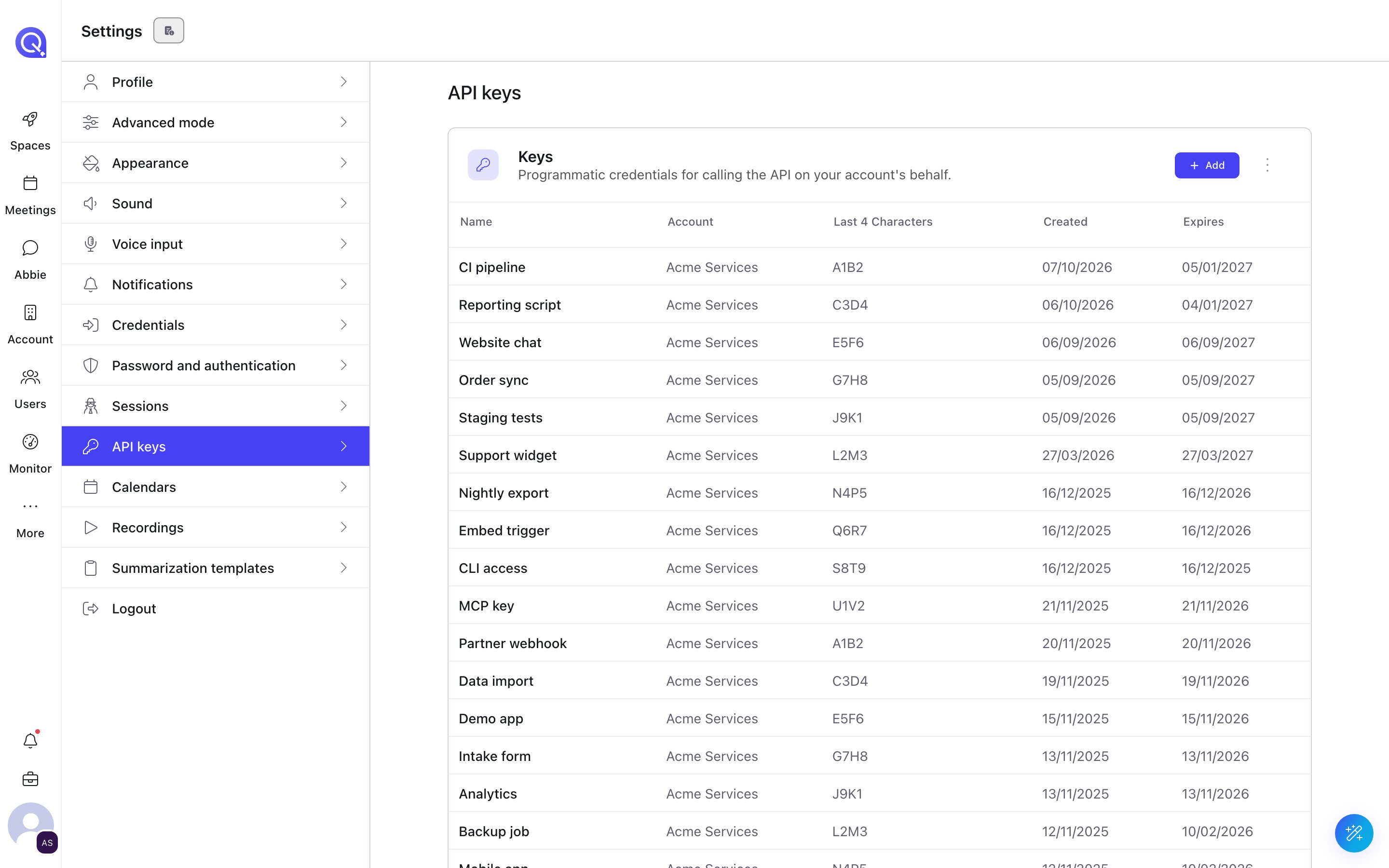
Settings, API keys: your keys with the account, last four characters and expiry. Names shown are examples.
Store the key
- Profile (recommended)
- Environment variable
A profile keeps one key for one account in
~/.config/quiva/profiles.json (readable only by you, mode 600). You can hold one profile per account and switch accounts by name.Run this in your own terminal, not in an agent chat. It asks for the key at a hidden prompt:<skill dir> is the folder of the quiva-config skill, skills/quiva-config in the plugin or repository, so the script is skills/quiva-config/scripts/quiva.mjs. Then:check confirms the key works and prints the account it belongs to, as account <id> (<name>). Use a different <name> for each account you work on.QUIVA_PROFILE, then QUIVA_API_KEY_<PROFILE>, then QUIVA_API_KEY. The remote server takes the key in a request header instead, so set it up with an environment variable.
Remote or local MCP
- Remote (
https://api.quiva.ai/mcp): nothing to install. Your client sends the key on every request. Start here. - Local: you run the servers from the repository as processes on your machine. Use them when you develop against the servers or your client cannot make a hosted HTTP connection.
Keep the key safe
- Create one key per tool or machine, named for what uses it, so you can revoke one without breaking the rest.
- Rotate by creating the replacement first, switching your tools to it, then deleting the old key. See API keys.
- Prefer a restricted key when an agent only needs one area. See API keys for MCP.
- Do not commit files that contain a key. Use
${QUIVA_API_KEY}references in shared config.