

The table
Meetings → Bots lists every bot in the account: scheduled, live and finished.
The table updates itself as bots progress — a bot joining a call changes status in place without a
refresh.
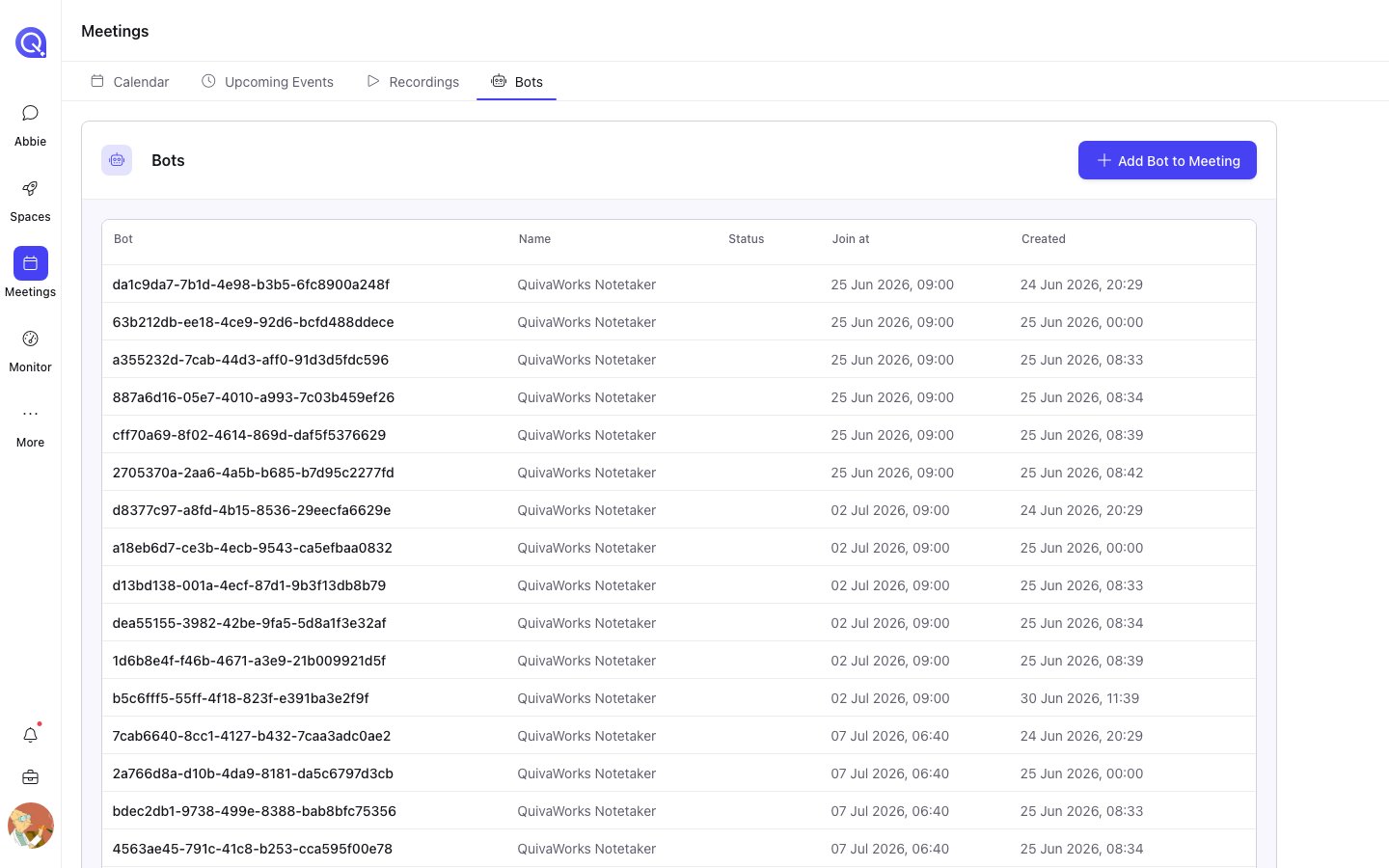
The Bots tab, listing every bot with its status and join time.
Statuses
What you can do, and when
Actions are gated on the bot’s status:Follow the live transcript
Follow the live transcript
Available once the bot has a status and was configured with Transcription: Real-time.
Opens the live transcript page in a new tab.On a bot that has reached Done, the same action is offered as Live Replay — the
transcript replayed from the start rather than followed live.
Kick the bot out of the meeting
Kick the bot out of the meeting
Available while the bot is en route to, or inside, a call — Joining Call, In Waiting
Room, In Call Not Recording, either Recording Permission state, or In Call
Recording.Asks for confirmation. Anything recorded before the kick is kept.
Edit bot settings
Edit bot settings
Available only while the bot’s join time is still in the future. Once it has joined there is
nothing left to reconfigure, so the cog disappears.
Remove the bot
Remove the bot
Available from the two terminal states a bot can safely be removed from — Scheduled and
Done. Asks for confirmation.
A bot in a state that is neither in-call nor removable — Fatal or Media Expired, for
instance — shows no actions. There is nothing useful left to do to it from here.