

Two ways to file a meeting
A meeting’s output can reach a Space either automatically or after the fact.Set it up front
The bot’s Space & folder setting routes the meeting’s output into that folder as soon as it
exists. Nothing to do afterwards.
Share it afterwards
Share recording copies whichever assets you choose into a folder you pick, at any time
after the meeting.
Setting the destination up front
In bot settings, Choose space & folder picks where the meeting’s outputs are saved. Set it on:- A calendar, so every meeting on that calendar files to the same place.
- A single event’s bot, for a one-off.
- An on-demand bot — and if you started it from a Space folder, that folder is already filled in for you.
Sharing after the fact
Open the recording and press Share in its toolbar. The share dialog asks two things.1
Choose what to include
Tick the assets you want copied:
Assets the recording does not have are not offered. If you want the summary included, generate
it before sharing — see Summaries.
2
Choose the destination
Pick a Space and a folder. You must select at least one asset and a destination before
Share will do anything.
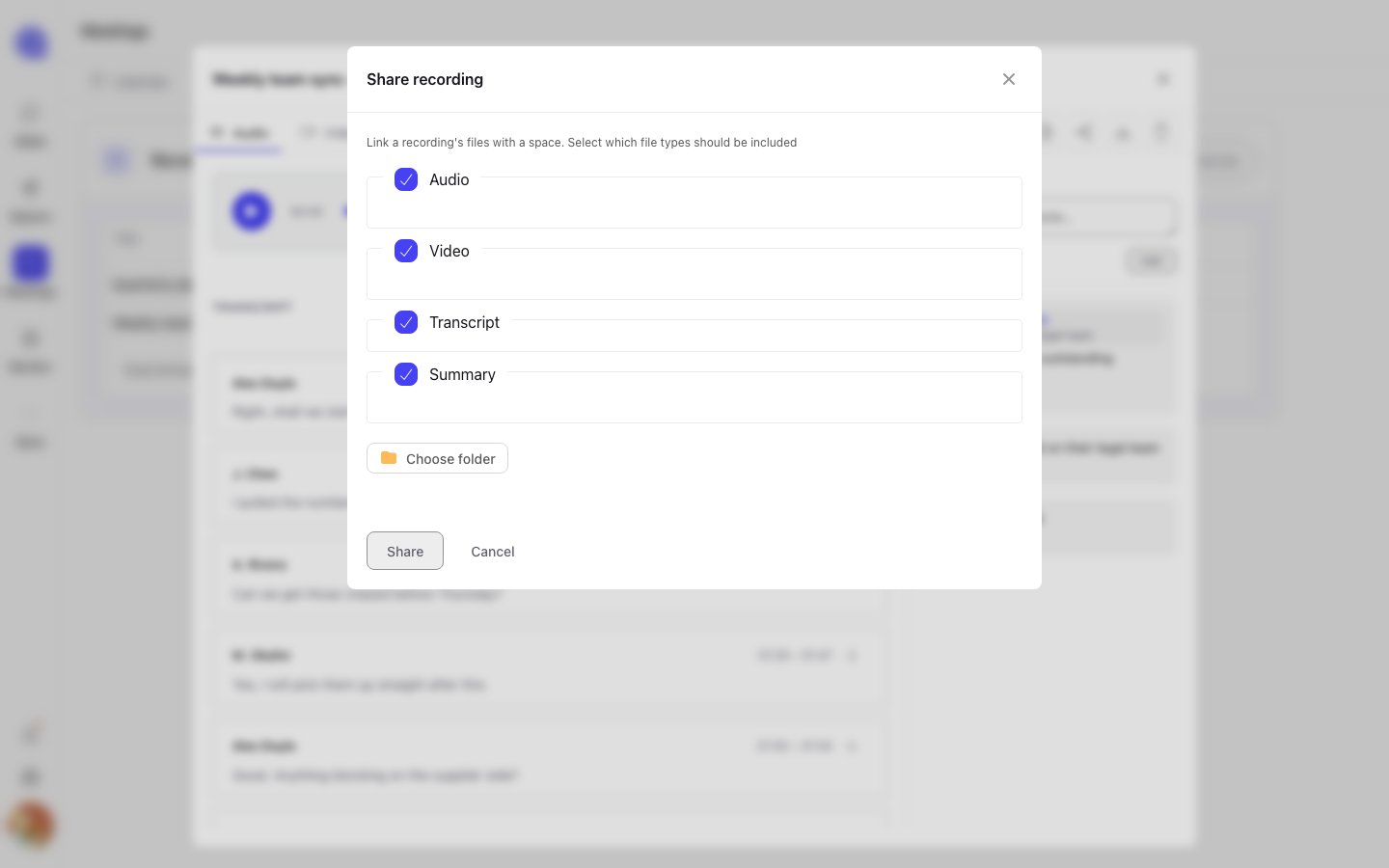
The Share recording dialog: choose the assets, then the destination folder.
Where it lands
Shared files appear under the Space’s Files → Meetings tab, in the folder you chose. From there they behave like any other file in a Space — they show in the folder’s Overview counts, and they are reachable by anyone with access to the account.Sharing copies the assets into the Space. The copy is independent of the original recording, so
deleting the recording afterwards — or letting a timed retention period expire it — does not remove
what you shared.
Starting a meeting from a folder
The relationship works in both directions. A Space folder’s Meetings panel has an Add menu with Add Bot to Meeting, which opens the on-demand bot form with that folder already set as the destination. Open the client’s folder, send a bot to the call, and the recording comes back to the folder it came from.On-demand bots
Sending a bot from a meeting URL.
Files and folders
How folders work in a Space, and how contacts get their own.