

What a footnote links to
The footnotes list tells you what kind of source you’re looking at before you open it:
Selecting a footnote’s back-arrow returns you to where it was cited in the answer.
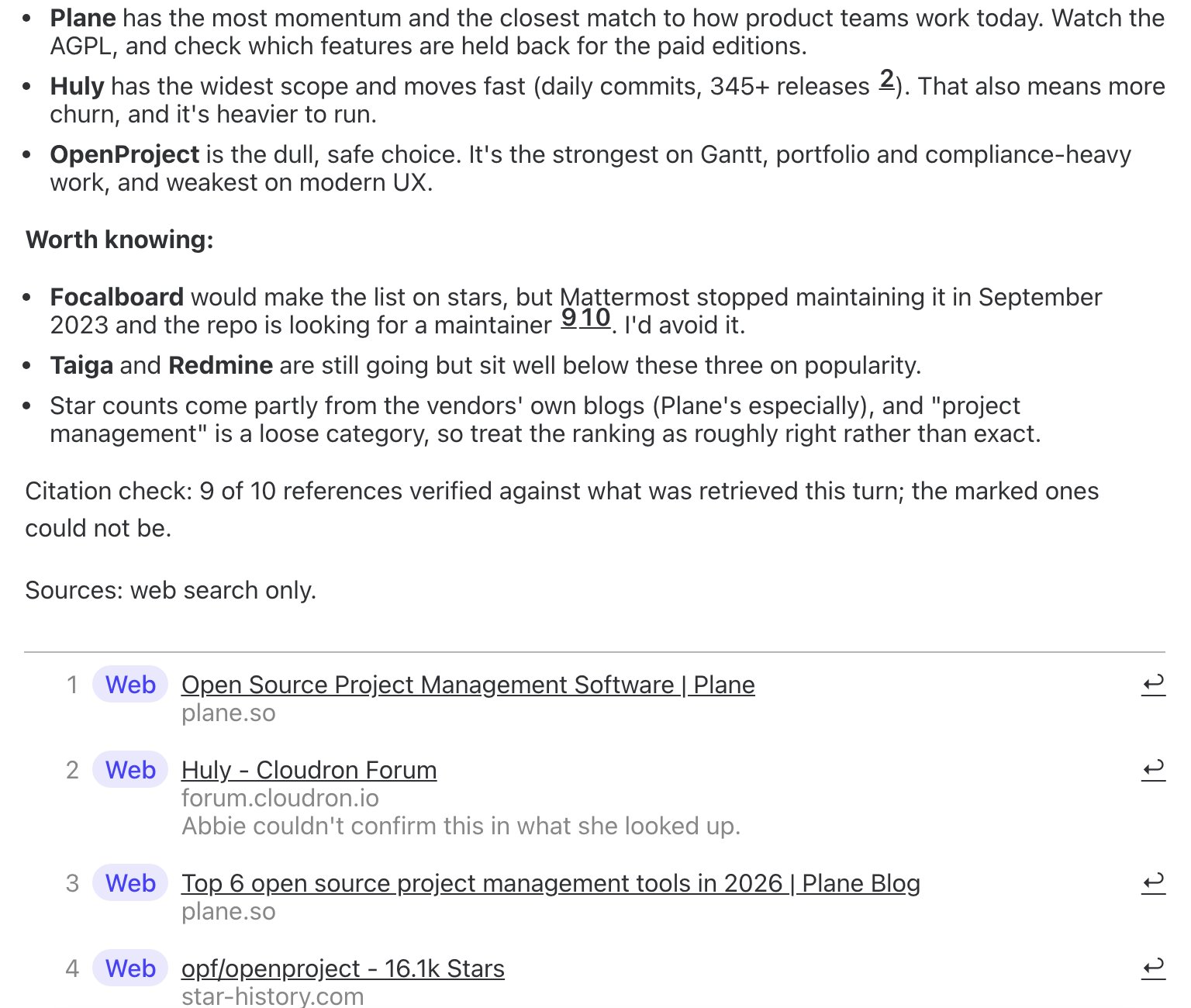
The end of a reply with a failed citation check: a Citation check line, a Sources line, and one footnote's source noted as unconfirmed.
When an answer cites nothing but should have
If Abbie looked things up on the web while producing an answer but the draft came back without saying which claim came from which source, she doesn’t just leave it that way. A short repair pass matches each sentence in the answer against the sources she actually consulted and attaches footnotes after the fact, rather than sending you an uncited answer that happened to be well-researched. When this has happened, the reply carries a short note saying the footnotes were attached after the answer was written, by matching each claim to the sources consulted — so an unusually well-footnoted answer with that note is telling you exactly how it got that way.The citation check
Before a cited answer ships, every footnote is checked against what was actually retrieved that turn. If any of them don’t hold up, the reply ends with a line like:Citation check: 9 of 10 references verified against what was retrieved this turn; the marked ones could not be.This only appears when at least one reference failed the check — a fully-verified answer doesn’t get one. In the footnotes list itself, the source behind a reference that couldn’t be confirmed carries its own note, for example “Abbie couldn’t confirm this in what she looked up.” Underneath that, a Sources line names the kind of material the answer actually drew on — for example:
Sources: web search only.— or a combination such as “Sources: QuivaWorks files, saved memory and web search.” if the answer used more than one kind. Both lines are visible in the screenshot above.
Seeing exactly what she searched for
A citation only tells you what was used, not how Abbie found it. For that, open the step in the cognition log that produced the answer: alongside the model’s own input and output, a Provider-run web searches panel lists every search, page fetch or in-page lookup the model ran natively while producing that step, with the exact query or URL it used and how many results (or which error) came back. Where a search returned sources, they’re listed too — the same identity a footnote would show, not the page content itself, since only the metadata of what was retrieved is kept, never the passage text.This is deliberately a metadata trail, not a cache of what was read. If you need to check a claim against the source itself, follow the citation’s own link.