

Providers
Toggle which built-in providers (Anthropic, OpenAI, Gemini) are active for your account. Only active providers are considered when Abbie routes a request.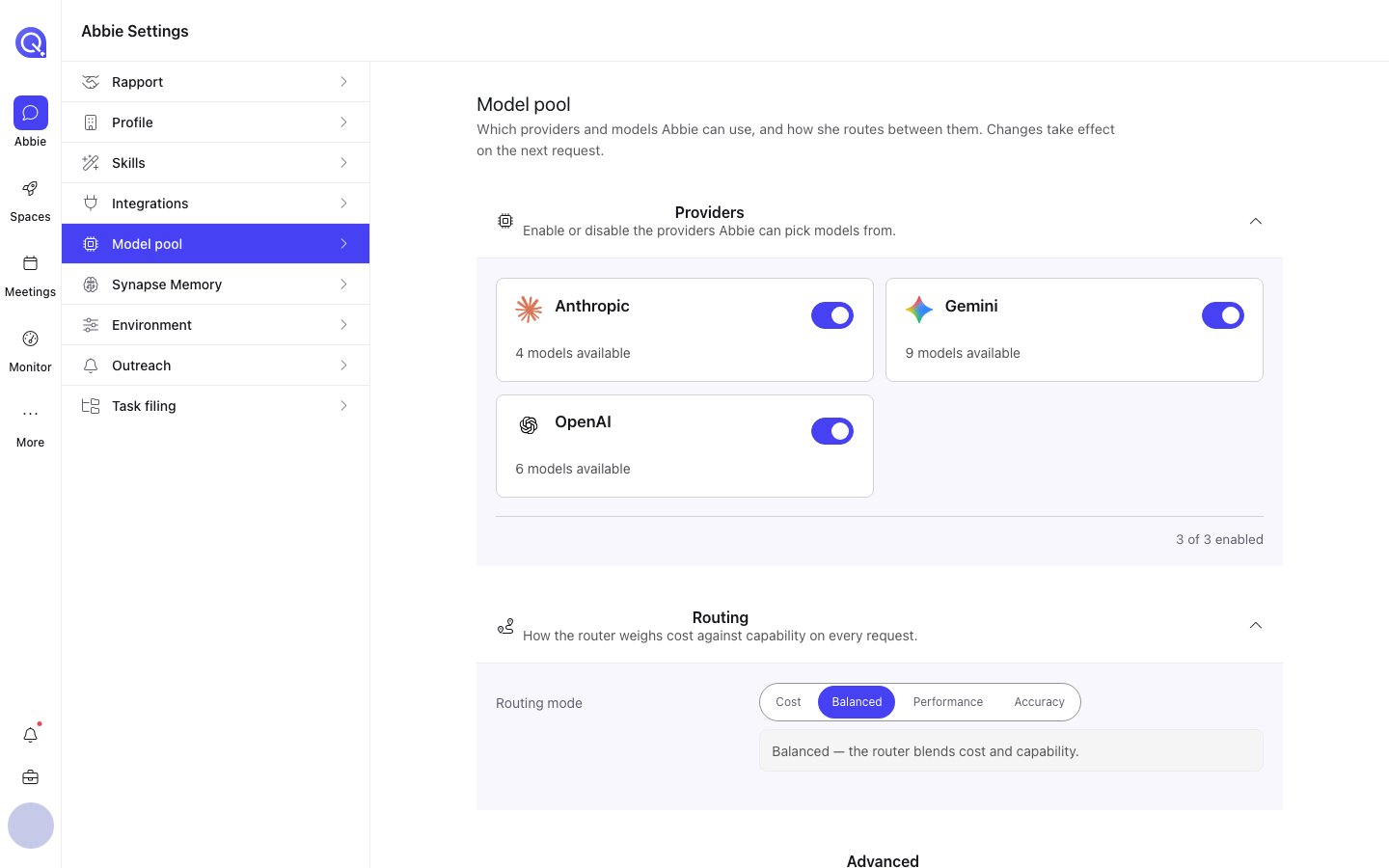
The Model pool tab: providers, then routing mode.
Routing mode
Choose how Abbie weighs cost against capability for everyday requests:Expert strategy
- Auto: experts are allocated per task; a genuinely complex single-task request can still get multiple models even outside Accuracy mode.
- Arbitrage: every request runs multiple models on each task and the judge picks or combines the best answer.
Judge quorum
How many independent judges vote on an answer before it’s delivered: 1, 3, or 5. Odd numbers so a vote can’t tie. If a majority of judges fail an answer, it goes back for another attempt. More judges cost more per request.Run time limit
The longest a single request is allowed to run before it’s stopped: 15, 30, 45, or 60 minutes. Complex work on a slower model can legitimately take a long time; you get the answer as soon as it’s ready either way, this just sets the outer bound.Pinning models to a tier
Abbie routes ordinary requests through three complexity tiers: Low (fast), Medium (balanced), High (powerful), and you can pin a specific model to any tier rather than letting her choose automatically. You can also pin specific models for the classifier, judge and verify stages of her pipeline independently of the tiers above.Custom providers
Beyond the built-in providers, you can add any OpenAI-compatible endpoint as a custom provider. One-click presets are available for several popular ones (Kimi/Moonshot, Groq, OpenRouter, Together AI, DeepSeek, Mistral, and a local Ollama endpoint), or add a fully custom endpoint of your own. For each custom provider you’ll set:- A name and endpoint URL.
- An authentication key (stored securely; you don’t need to re-enter it to keep using the provider).
- Which models it offers, including their capabilities (vision, tools, thinking, streaming), cost, and which routing tiers they qualify for.
If the model catalogue is temporarily unreachable, your existing pins and stage overrides are preserved and shown as-is. Nothing is silently reset.