

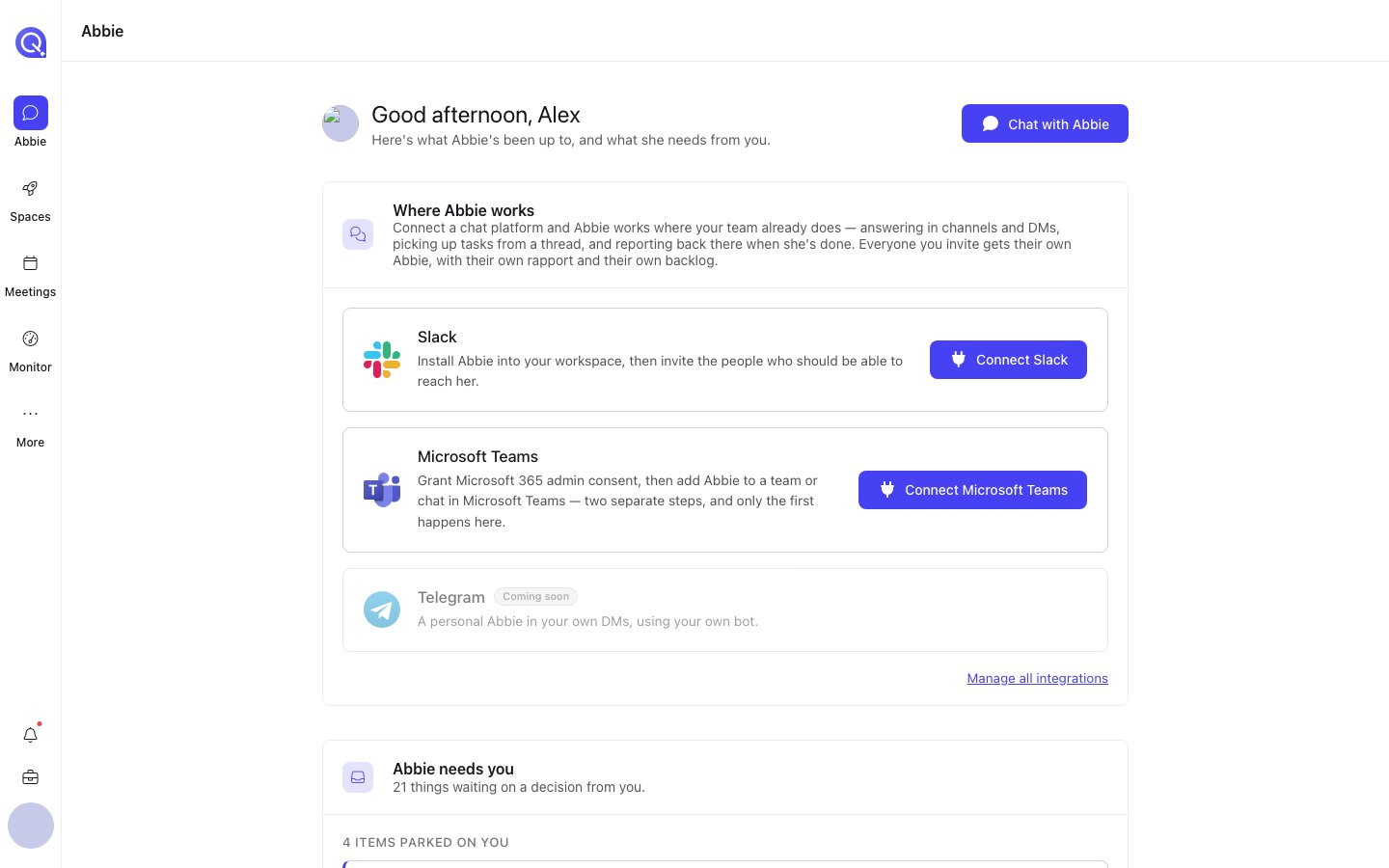
The Abbie home page, with the Where Abbie works card at the top.
Where Abbie works
Which chat platforms Abbie is connected to. If your workspace has Slack installed, this shows it and lets you invite people or link your own account. See Slack.
Abbie needs you
Everything currently waiting on a decision from you, gathered in one place: backlog items she’s parked, a rapport change she’s proposing, and any unread messages from her that need a response. Nothing is dismissed from here directly; every row takes you to the place it’s actually resolved.
Recent conversations
Your last few chats with Abbie, including threads that started in Slack, so you can pick one up where you left off.
How Abbie is running
Two account-wide dials: her model routing mode (cost, balanced, performance or accuracy) and whether she’s allowed to reach out to you proactively. Everything finer-grained lives in Abbie’s settings.
Some cards show account-wide settings as read-only if you aren’t an account admin, so you can see how Abbie is configured even if you can’t change it.
”Abbie needs you” in detail
This card is worth understanding early, because it’s the one place that gathers up everything that’s genuinely blocked on you:- Parked backlog items: something Abbie was working on that needs a decision, a missing piece of information, or ran out of room to keep going on its own. Opens straight into the Backlog page.
- A proposed rapport change: if Abbie’s noticed a pattern in how you like to work and wants to adjust her personal calibration to you, it shows up here as a suggestion you can approve or ignore. See Rapport.
- Unread messages from Abbie: things like a check-in or a follow-up she’s sent you. See Proactive Abbie.